

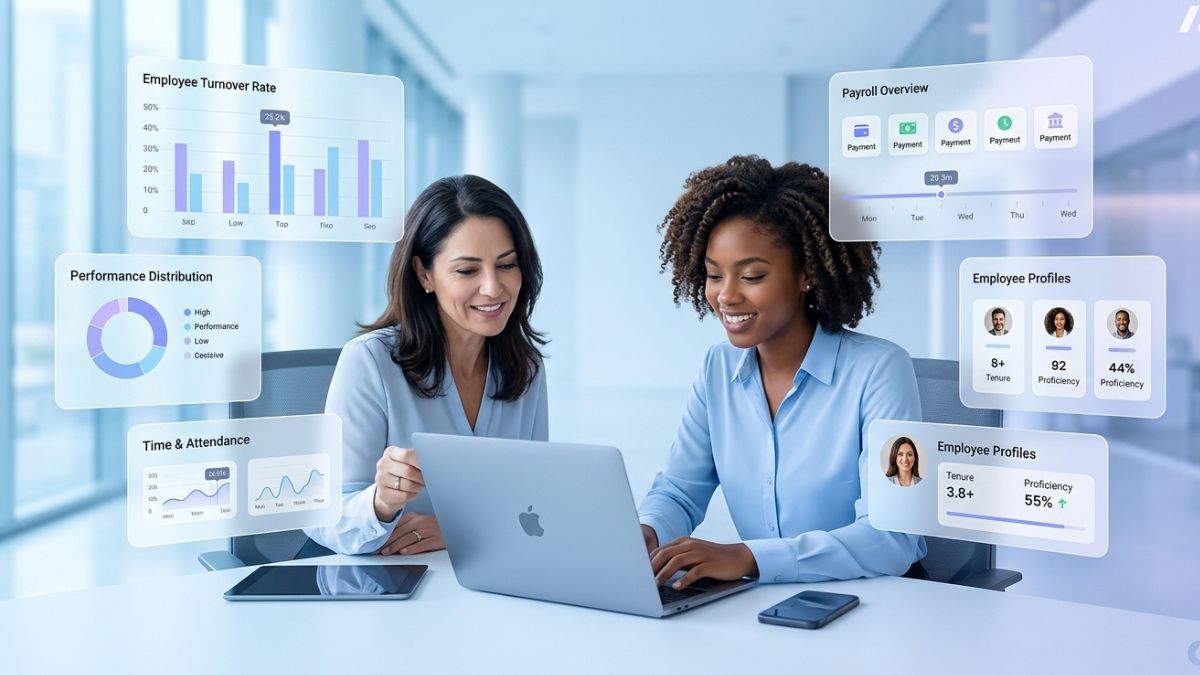
Managing people is one of the hardest parts of running a small business. Between payroll deadlines, compliance requirements, onboarding new hires, and tracking time off, HR administration can quietly consume dozens of hours every week—hours that could be spent growing your business instead.
Small business HR systems exist to solve exactly this problem. These platforms centralize your workforce data, automate repetitive tasks, and reduce the legal and financial risks associated with manual HR management. Yet with hundreds of vendors competing for your attention, choosing the right system is far from straightforward.
See More: Why Employee Satisfaction Survey Companies Are the Key to Building High-Performing Organizations
This guide covers everything you need to know: what small business HR systems actually do, which features matter most, how pricing works, and how to evaluate your options with confidence.
What Are Small Business HR Systems?
Small business HR systems are software platforms that consolidate employee data and HR processes into a single, accessible hub. Rather than juggling spreadsheets, paper forms, and disconnected tools, small business owners and HR teams can manage payroll, onboarding, benefits, time tracking, and compliance from one place.
According to a market report by Business.com, an estimated 3.2 million small and medium-sized businesses (SMBs) now use cloud-based HR software. The adoption rate is rising, and for good reason: a Paychex survey found that nearly two-thirds of companies spend at least 11 hours per week on HR administration alone. That’s a significant drain on resources that most small businesses simply cannot afford.
The right HR system does more than save time. It reduces human error, keeps your business compliant with ever-changing employment laws, and creates a better experience for both managers and employees.
The Three Types of Small Business HR Systems
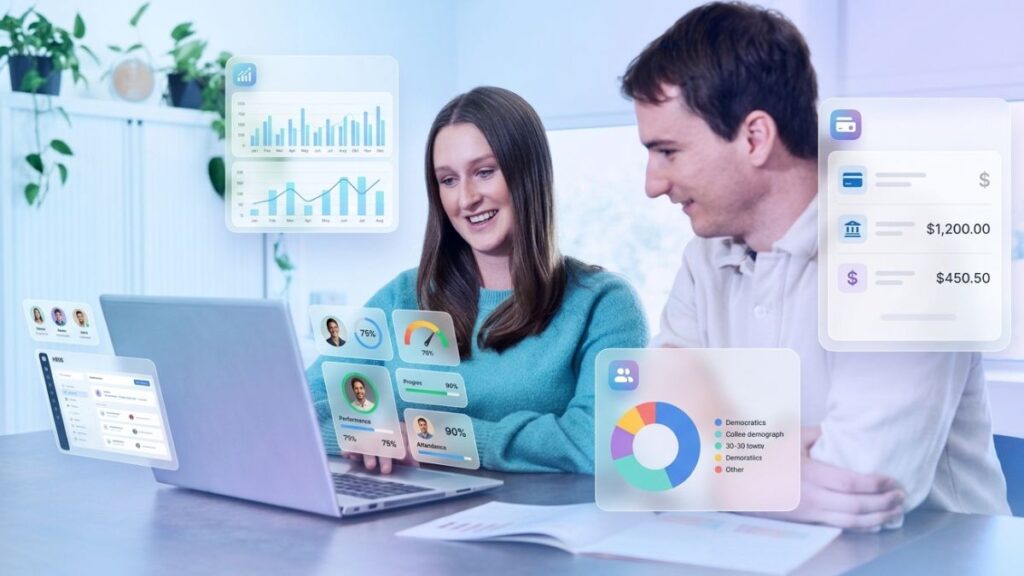
Not all HR platforms are built the same. Before comparing specific tools, it helps to understand the three primary categories:
Human Resource Information System (HRIS)
An HRIS is the foundation of most HR technology stacks. It functions primarily as a database—storing employee records, managing payroll, and housing critical HR documentation like tax forms and employment agreements. For solo employers, startups, and very small teams, an affordable HRIS often provides everything necessary to establish and maintain basic HR policies.
See: 10 Best Employee Survey Tools of 2026 for Staff Feedback
Human Resource Management System (HRMS)
An HRMS builds on the HRIS foundation by adding process management tools. Time tracking, scheduling, leave management, and workflow automation are common HRMS features. Most cloud-based small business HR systems fall into this category, offering a practical balance of core functionality and operational efficiency.
Human Capital Management (HCM) Software
HCM platforms represent the most comprehensive tier of HR technology. As defined by Gartner, HCM covers workforce acquisition, management, and optimization—combining the administrative strengths of HRIS and HRMS with strategic tools like performance management, learning and development, and advanced workforce analytics. Larger small businesses or those experiencing rapid growth often benefit most from HCM solutions.
Understanding where a vendor sits within these three categories will immediately clarify whether their platform aligns with your current stage and future needs.
Must-Have Features in Small Business HR Systems
The feature set of an HR system determines its day-to-day value. While every business has unique requirements, the following capabilities are consistently among the most important for small businesses.
Core HR Administration and Workforce Management
These are the functions your team will rely on daily. They are also, according to multiple industry reports, the primary reason small businesses invest in HR software in the first place.
Employee Record Management
A centralized HR database stores everything from basic contact details to job history, uploaded documents, and custom fields. Look for platforms that support signed policy storage, I-9 and W-4 management, and automated alerts for missing or expiring documents.
More: 10 Best Employee Evaluation Platforms for Managers in 2026
Payroll Processing
Built-in payroll is one of the most requested features in small business HR systems, with Gartner research indicating that 46% of HR software buyers specifically prioritize it. Full-service payroll calculates wages, deductions, and taxes; handles direct deposits; and files payroll taxes on your behalf. If you employ contractors or have staff across multiple states, confirm the system supports 1099 processing and multistate payroll before committing.
Onboarding
The quality of an onboarding experience has a measurable impact on employee retention. Basic platforms provide a welcome checklist and a PDF packet. More advanced systems offer complete onboarding workflows with e-signatures, software provisioning, role-based task assignments, and in-app communication tools. For small businesses that hire regularly, structured onboarding workflows save significant time and reduce early turnover.
Time and Attendance Tracking
Time tracking functionality is a priority for 40% of HR software buyers, according to Gartner. The sophistication varies: some platforms offer simple browser-based clock-ins, while others include mobile apps, kiosk integrations, geofencing, and automated overtime alerts. Evaluate options based on whether your team is remote, on-site, or hybrid, and whether your attendance policies require detailed reporting or manager override capabilities.
Scheduling
Small businesses with hourly employees or shift-based operations benefit from scheduling tools that go beyond a basic calendar. Look for features that allow shift assignment and swapping, send mobile notifications to staff, and automatically flag scheduling conflicts or overtime risks.
Leave Management
Time-off tracking is a standard feature across most HR platforms, but depth varies considerably. The best small business HR systems automate accrual calculations, route approval requests, enforce custom blackout dates, and sync with payroll to prevent errors. Self-service portals allow employees to check balances and submit requests without going through a manager—a small change that saves meaningful administrative time.
See: Kickstart Success with a Great Employee Onboarding Experience
Benefits Administration
Managing employee benefits is one of the more complex HR responsibilities for small businesses. Some HR systems offer full benefits marketplaces, open enrollment support, and detailed plan comparison tools. Others simply redirect you to an external broker portal. Understand where a platform’s capabilities end before assuming it will handle your benefits workflow end-to-end.
Hiring and Talent Management
Beyond core administration, many small business HR systems include tools to support the full employee lifecycle—from recruitment through performance development.
Applicant Tracking Systems (ATS)
An integrated ATS allows you to post jobs, manage applications, and move candidates through hiring stages without switching platforms. Evaluate whether the system connects to major job boards, tracks key hiring metrics like time-to-fill, and supports communication with candidates. For small businesses that compete with larger employers for talent, a streamlined recruiting process can be a meaningful competitive advantage.
Performance Management
Performance reviews are often neglected in small businesses because the process feels cumbersome. HR platforms with built-in performance tools—including goal tracking, structured review templates, and 360-degree feedback—make it easier for managers to provide consistent, documented feedback throughout the year, not just at annual review time.
Learning and Development
Some HR systems include learning management functionality that centralizes training materials, tracks certification deadlines, and provides skill assessment reporting. For businesses in regulated industries or those investing in employee growth, integrated learning tools reduce the administrative overhead of managing training across multiple systems.
HR Compliance and Reporting
Compliance is one area where small businesses cannot afford to cut corners. Employment law changes frequently, and penalties for non-compliance can be significant.
Compliance Management Tools
Leading small business HR systems provide automated alerts for expired tax forms, classification changes, and updates to overtime or Affordable Care Act regulations. Verify that the platform supports the specific compliance requirements for your state and industry before selecting a vendor.
Reporting and Analytics
Data-driven decision-making requires accurate, accessible workforce data. The best HR systems offer customizable dashboards and reports covering turnover rates, PTO usage, overtime trends, headcount changes, and time-to-hire metrics. Compliance reports and audit logs are equally important, particularly for businesses subject to regulatory scrutiny. When evaluating a platform, run through its reporting functions using the specific metrics your business actually tracks—generic templates may not provide the granularity you need.
More: HRIS Systems for Small Companies: The Complete Guide to Choosing the Right Platform in 2026
Employee Self-Service and Engagement
HR software is not just a tool for business owners and administrators. Employees interact with these systems too, and the quality of that experience affects both satisfaction and platform adoption.
Look for HR systems that offer mobile-accessible self-service portals where employees can:
- Update their personal information
- Access and download pay stubs and W-2s
- Check PTO balances and submit time-off requests
- Review benefits information and enrollment details
If your platform includes integrated performance or training tools, confirm that employees can access these through the same portal rather than requiring separate logins. Modern HR systems may also include engagement features such as pulse surveys, company-wide announcement centers, and skills-tracking dashboards—capabilities that help small business owners stay connected to employee sentiment before issues escalate.
How Much Do Small Business HR Systems Cost?

Cost is one of the most significant factors in any HR software decision. According to Gartner, organizations typically budget between $35 and $160 per user per month for HR software. However, actual costs vary widely based on company size, required modules, and the pricing model a vendor uses.
Common Pricing Models
Free Tiers
Freemium plans support a limited number of users and offer basic HR features. They are well-suited for solopreneurs and very small teams but often come with restrictions on storage, integrations, and customization. As your business grows, you will likely need to upgrade.
See Also: Best Performance Appraisal Software and Tools for 2026
Per-Employee, Per-Month (PEPM)
This is the most common pricing model for small business HR systems. You pay a recurring monthly fee for each employee on the platform. Some vendors use module-based PEPM pricing, meaning your cost increases as you add features like payroll, recruiting, or performance management. Always calculate your total cost across all required modules before comparing platforms.
Flat Fee or Fixed Tiers
Some providers offer fixed monthly or annual rates tied to agreed-upon feature sets and user limits. This model can provide more predictable budgeting but may include workforce caps that require upgrades as you hire.
Site or Perpetual Licensing
Small businesses in heavily regulated industries occasionally prefer on-premise infrastructure. Perpetual licensing involves a one-time purchase fee with ongoing maintenance costs. Hybrid options are also available from some vendors.
It is also worth noting that some HR companies offer professional employer organization (PEO) or human resources outsourcing (HRO) services as alternatives to standalone software. These models bundle HR administration with employer-of-record services and co-employment arrangements, which may be worth exploring depending on your business structure and risk tolerance.
How to Choose the Right Small Business HR System
The HR software market is crowded. A study by Capterra found that SMBs with one to 1,000 employees use an average of five HR tools, with roughly one-third of those applications getting little to no regular use. That fragmentation represents wasted money and missed efficiency gains.
Choosing a platform that genuinely fits your business—and that your team will actually use—requires a structured evaluation process.
Step 1: Assess Your Business Priorities
Start by defining what you need HR software to accomplish. Vague goals lead to poor purchasing decisions. Be specific:
- If your business objective is revenue growth, your HR system should support faster, higher-quality hiring and stronger employee retention.
- If compliance is your primary concern, prioritize platforms with robust regulatory update alerts and audit trail functionality.
- If operational efficiency is the goal, focus on automation capabilities that reduce manual steps in payroll, onboarding, and time tracking.
Consider how many users will need access to the system and what each group—employees, managers, and HR administrators—will need the platform to do for them.
Step 2: Build a Feature Checklist
Once you have defined your priorities, translate them into a specific list of required features. Use this checklist to evaluate platforms objectively rather than getting swayed by features you find interesting but will not use.
When assessing each platform, look for:
- Automation capabilities: Does the system reduce manual data entry through rule-based automations, auto-filled forms, and triggered alerts?
- AI functionality: Some platforms use artificial intelligence to flag payroll errors, recommend benefits options, optimize scheduling, or summarize employee feedback. These features can provide genuine efficiency gains for small HR teams.
- Integration with existing tools: HR software that connects seamlessly with your accounting software, time and attendance system, and internal communication tools reduces app-switching and the risk of data errors.
- Ease of use: Test the platform from every role perspective. An intuitive interface for HR administrators may still be confusing for hourly employees checking their schedules on a mobile device.
- Scalability: Look for flexible pricing tiers, role-based permission structures, and add-on modules that allow the platform to grow with your business rather than forcing a disruptive migration later.
- Customer support quality: Verify what support options are available, when they can be accessed, and whether the vendor provides dedicated onboarding specialists or compliance advisors.
- Security certifications: Confirm that the platform meets enterprise-grade security standards. Look for SOC 2 certification, two-factor authentication, document encryption at rest, and audit logging capabilities. HR systems contain highly sensitive employee data—security is non-negotiable.
Step 3: Plan Your Implementation
Even the best small business HR system will underdeliver if implementation is rushed or poorly planned. Most vendors include some form of onboarding assistance, but the scope varies significantly. Ask vendors directly whether they offer free data migration support or dedicated implementation services, and clarify what is included in your subscription versus what requires additional fees.
More: Order Management Software for Manufacturing: The Complete Guide to OMS and ERP Integration
A practical implementation checklist includes:
- Data migration: Import historical payroll records, tax documents, PTO balances, and employee information accurately. Errors at this stage create downstream problems that are costly to resolve.
- Roles and permissions: Configure access levels carefully so that HR administrators, managers, and employees each see only the data and functionality relevant to their role.
- Team training: Develop or use the vendor’s onboarding resources to ensure all users understand how to navigate the system and complete their most common tasks.
- Payroll and tax configuration: If setting up payroll in a new system, verify all withholding rates, pay schedules, and tax filing settings before processing your first payroll run.
- Compliance review: Run a compliance or audit report before going live to identify missing documents, incomplete employee records, or configuration gaps.
Common Questions About Small Business HR Systems
Is HR software expensive for small businesses?
Costs depend on your headcount, required modules, and chosen pricing model. Basic HRIS platforms with limited functionality are available for under $10 per employee per month, while comprehensive HCM suites can reach $160 per user monthly or more. The key is to identify which features you genuinely need and calculate the total cost of ownership across all modules—not just the base subscription price.
What is the difference between HRIS, HRMS, and HCM?
All three are types of small business HR systems, but they differ in scope. An HRIS focuses on employee data and payroll. An HRMS adds workforce process management like time tracking and scheduling. An HCM platform encompasses all of the above plus strategic tools for talent management, workforce planning, and analytics. Start with the category that matches your current complexity and growth trajectory.
Can small businesses use HR software for compliance?
Yes—and for many small businesses, compliance support is the most valuable feature a HR system provides. Employment regulations at the federal, state, and local levels change frequently. Leading platforms automate compliance alerts, update tax rules, flag missing employee documents, and generate audit-ready reports. That said, always verify that a platform supports the specific regulatory requirements for your state and industry.
How long does it take to implement a new HR system?
Implementation timelines vary based on company size, data complexity, and the level of vendor support provided. Small businesses switching from spreadsheets or a basic payroll tool can often complete implementation within a few weeks. More complex migrations involving multiple integrations or large employee datasets may take one to three months. Choosing a vendor with strong onboarding support and clear implementation documentation significantly reduces this timeline.
What security standards should I look for?
At minimum, look for SOC 2–certified vendors that offer two-factor authentication by default, encrypt uploaded documents at rest, and maintain comprehensive audit logs. Given that HR systems store sensitive personal, financial, and legal employee data, security credentials should carry significant weight in your evaluation.
More: Best ERP for Inventory Management in 2026 (Compared)
Choosing a Small Business HR System That Actually Grows With You
The biggest mistake small businesses make when selecting HR software is optimizing for today’s needs without considering tomorrow’s. A platform that works perfectly for a team of 10 may create serious friction at 50 employees—especially if it lacks the integration capabilities, reporting depth, or scalability to support a more complex workforce.
Equally, overspending on a feature-rich HCM platform before you need it ties up budget that could be deployed elsewhere. The goal is to find the right system for your current stage with a clear upgrade path for what comes next.
Start by solving your most pressing HR challenge—whether that is payroll accuracy, onboarding consistency, or compliance visibility. Build from there. Small business HR systems are most valuable when they are actually used, and they get used most consistently when they solve real, immediate problems for real people.
Whether you are evaluating your first HR platform or replacing an outdated system that has stopped serving your team, the investment is worth making. The hours you reclaim from manual HR administration compound over time—and the operational foundation a well-implemented HR system provides pays dividends long after the initial setup is complete.